
Public Wi-Fi or your own hotspot for betting accounts
Café, hotel and airport Wi-Fi is convenient, free and often faster than mobile data. For reading news it is fine. For accounts that hold money, including banking, payment apps and betting or casino accounts, your own connection is the better choice. This note explains why, without the scare stories.
What the real risks are
Almost all betting and casino sites use HTTPS, so the content of your session is encrypted even on an open network. The remaining risks are more about the network around you:
- Fake hotspots: a network named like the café's but run by someone else, used to show fake log-in pages.
- Captive portals: sign-in pages that are sometimes used to collect personal details.
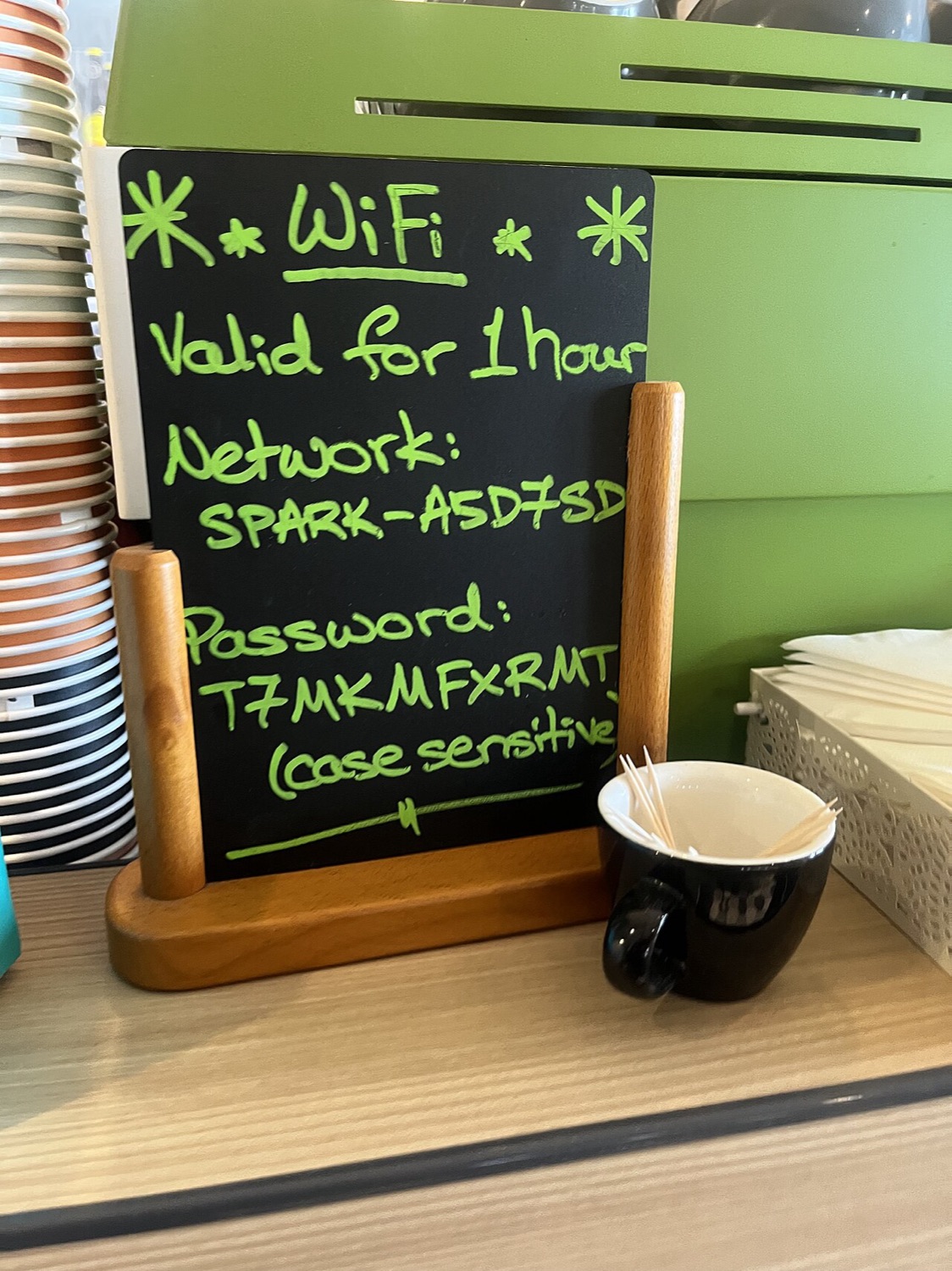
- Shared password networks: when the password is on a blackboard, everyone in the room is on the same network.
- Location checks: some operators verify that you are in a permitted country or state; public networks and VPNs can trigger those checks and lock a session.
Why your own hotspot is better
Your phone's personal hotspot or a separate pocket router, the modern descendant of the MiFi, creates a network only you control, protected by a password only you know. Traffic goes straight onto the mobile network. Latency is often lower and steadier than on a crowded public network, which helps with live markets.
Hotspot settings worth checking
| Setting | Recommendation |
|---|---|
| Security | WPA2 or WPA3; never open or WEP |
| Password | Long and unique, not the default printed on the device |
| Network name | Something that does not identify you |
| Auto-off | Turn the hotspot off when not in use |
If you must use public Wi-Fi
- Check the exact network name with staff.
- Type the site address yourself or use the official app; never follow links from pop-ups.
- Keep two-factor authentication on for the account.
- Log out when done, and "forget" the network afterwards.
For more on the hardware side of hotspots, see our MiFi 2352 notes.
