
Driver, dashboard, firmware: the three files a data card needed
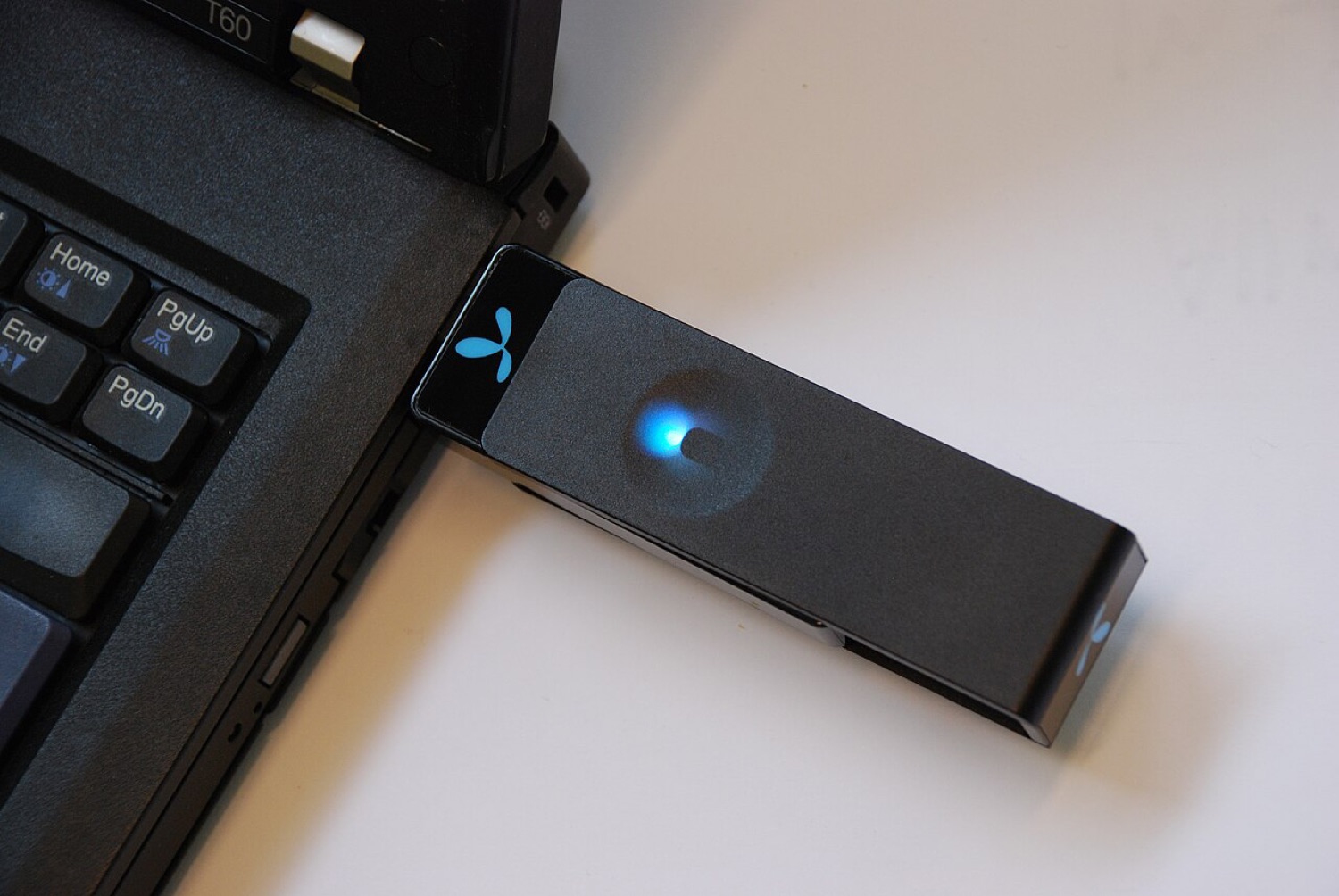
Every model page on the old DC-Files index offered the same short menu: "Dashboard Win", "Dashboard Mac", "Dashboard Update" and "Firmware Update". Those four lines summed up how a USB modem worked. Understanding them still helps anyone who finds an old stick, buys a second-hand hotspot or simply wonders why the same device behaved so differently from one laptop to the next.
The driver
The driver is the small piece of software that lets the operating system talk to the modem. A USB modem shows up to the computer as several devices at once: a modem port for data, a control port for commands, sometimes a network interface and a storage device. The driver tells the system what each of those is.
On Windows, Huawei, ZTE and others shipped their own drivers. On macOS they came as kernel extensions inside the dashboard installer. On Linux, the drivers are part of the kernel itself, which is why Linux often still handles old sticks that current Windows and macOS releases no longer recognise.
The dashboard
The dashboard is the connection program: Huawei called theirs Mobile Partner, ZTE used Connection Manager, Sierra had Watcher and Option had GlobeTrotter Connect. Operators re-skinned them with their own names and colours. A dashboard stores your profile (APN, user name and password), starts and stops the connection, shows signal strength, counts data and often handles SMS.
A dashboard update replaced the program with a newer version, usually to support new operating systems or fix bugs. It did not change anything inside the modem itself.
The firmware
Firmware is the software running inside the modem. It controls the radio, the supported bands and speeds, the USB behaviour and any operator lock. A firmware update rewrites the modem's internal memory, which is why it was the step most likely to go wrong. A power cut or a loose plug during an update could leave the stick unusable.
Firmware was also where operator customisation lived. Two sticks with the same model number could run firmware with different defaults, different features and different locks.
At a glance
| File | Runs on | What it does | Risk if it goes wrong |
|---|---|---|---|
| Driver | Your computer | Lets the OS recognise the modem's ports | Low: reinstall or remove it |
| Dashboard | Your computer | Profiles, connection, SMS, data counter | Low: reinstall or use another tool |
| Dashboard update | Your computer | Newer version of the program | Low |
| Firmware update | Inside the modem | Radio, bands, USB mode, locks | High: can leave the modem unusable |
Where to get them today
The honest answer is: from the manufacturer or the operator, if they still offer anything at all, and otherwise not at all. Old download mirrors are a common way to spread altered installers. If you must install an old package that came on the stick's own virtual CD, scan it first and check it against any checksum the maker published; our guide to SHA-256 checksums shows how.
The same caution applies to any software that handles money, from banking apps to the betting and casino apps people install on the move: official stores and the provider's own site only.
