
How much mobile data does a live casino stream use?
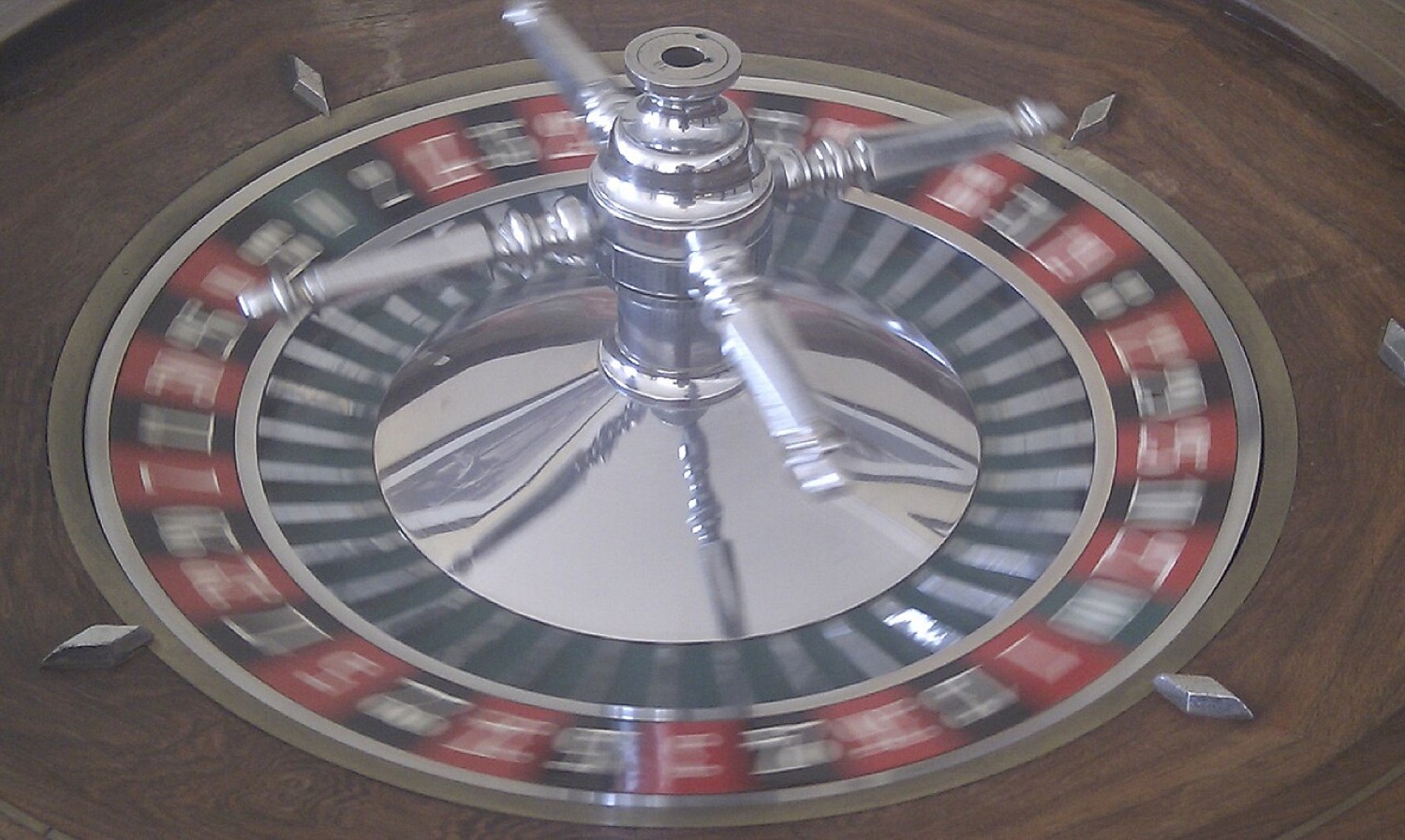
Live dealer games, such as roulette, blackjack and baccarat streamed from a studio, are video at heart. That makes them very different from ordinary casino apps, which move only a little data per spin. Anyone playing on a mobile data plan, a pocket hotspot or a capped travel SIM should know roughly what a session costs in megabytes.
Rough numbers
Data use depends on the video quality the stream chooses, which in turn depends on your connection and screen. As a general guide for streamed video:
| Stream quality | Approximate data per hour |
|---|---|
| Low (around 360p) | A few hundred megabytes |
| Medium (around 480p to 720p) | Roughly 0.5 to 1.5 GB |
| High (1080p) | Often 1.5 GB or more |
A non-live slot or table game with animated graphics uses far less once it has loaded, often a few megabytes per session after the initial download. The big cost is the first load and any updates.
Settings that help
- Most live studios offer a quality or "low bandwidth" setting; choose it on mobile data.
- Download game updates on Wi-Fi at home, not over the hotspot.
- Turn off automatic video previews in lobbies if the app allows it.
- Use your phone's data counter or the hotspot's own counter to see real usage.
Data counters, then and now
The old dashboards for USB modems, such as Huawei's Mobile Partner, had a built-in traffic counter, because data was expensive and plans were small. Phones now do the same in their settings, per app. Checking that screen after one live session tells you more than any rule of thumb.
When the picture drops
If the stream keeps falling to a blurry picture or freezes, the connection is struggling. The game itself does not depend on your video: results are decided at the table or by the studio's systems, whether your stream is sharp or not. Still, it is better to pause than to place bets on a picture you cannot see properly.
For a wider look at mobile connections and timing, see our note on latency and live betting.
