
Using an old USB modem on a modern Windows, Mac or Linux PC
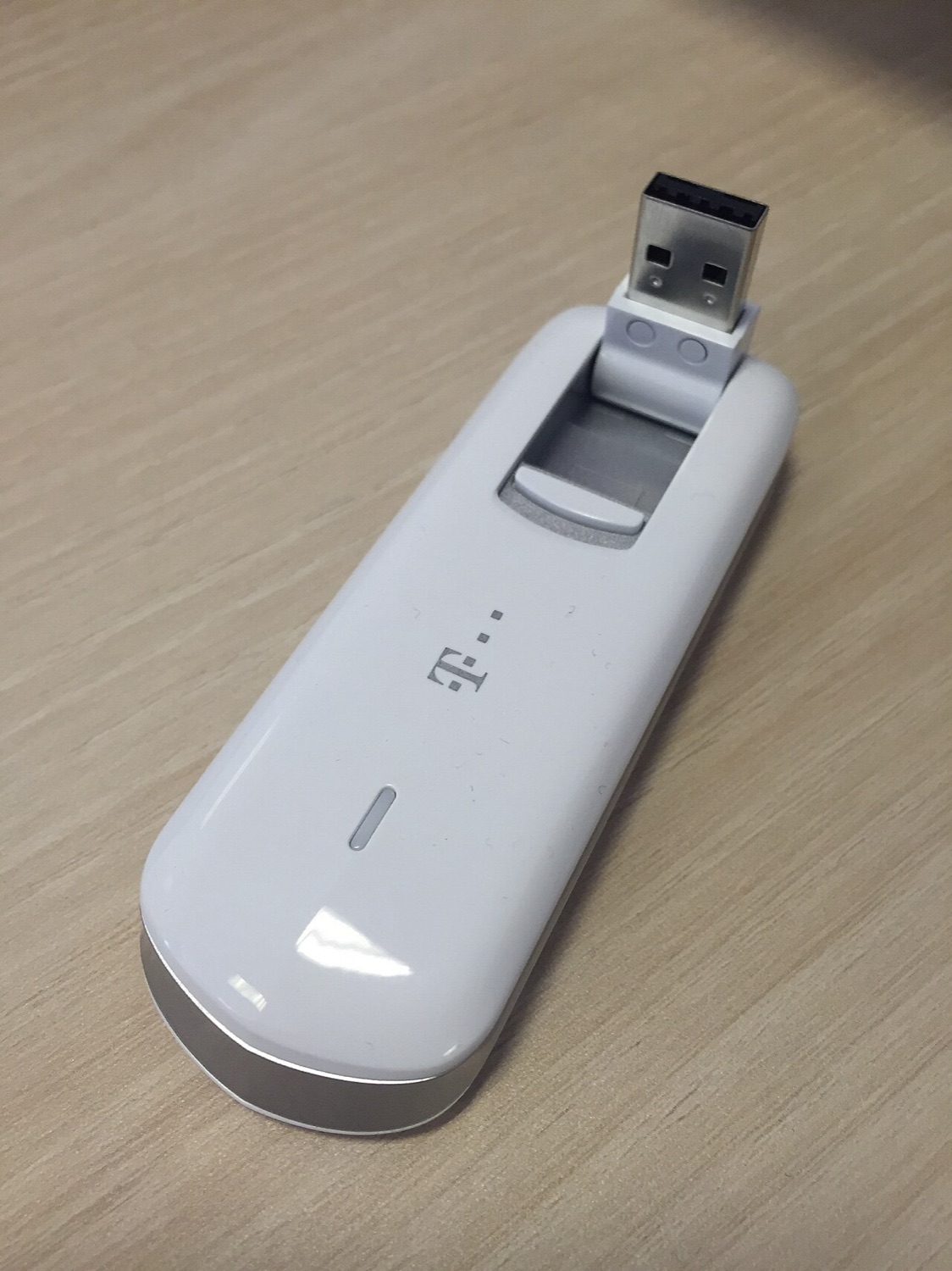
Plenty of USB modems from 2008 to 2014 are still around, in drawers, in car glove boxes and in boxes of old laptop accessories. Can they still be used? Sometimes. The answer depends on three things: the network, the operating system and the stick's own lock and settings. This guide walks through each in turn.
Step 1: is there a network for it?
A 3G-only stick needs a 3G network. Many operators in Europe, North America and parts of Asia have switched 3G off, so in those places a 3G stick can at best fall back to 2G, where that still exists, at very low speed. A 4G stick needs an LTE band that your operator actually uses. Our page on the 3G shutdown has more on this.
Step 2: Linux is the easiest host
Linux handles most old sticks out of the box. Two components do the work:
- usb_modeswitch switches the stick from its virtual CD-ROM mode into modem mode.
- ModemManager talks to the modem, and NetworkManager sets up the connection, including the APN.
On a typical desktop distribution you plug the stick in, wait a few seconds and choose "mobile broadband" in the network menu. On the command line, mmcli -L lists detected modems and mmcli -m 0 shows the details of the first one.
Step 3: Windows
Windows 10 and 11 include generic drivers for some modems, and many sticks still install their old dashboard from the virtual CD. Results vary: some work, some install but fail to connect, some leave behind outdated drivers. If you try, create a restore point first and remove the old dashboard again if it does not work.
Step 4: macOS
This is the hardest case. The old Mac drivers were kernel extensions built for Intel Macs of the time. Current macOS versions block old kernel extensions, and Apple silicon Macs cannot load them at all. For most old sticks on a modern Mac, the practical answer is "no".
An alternative: put it in a router
Some home routers and small travel routers accept a USB modem and share its connection over Wi-Fi. This avoids driver problems on the computer altogether. Check the router's compatibility list for your stick's exact model.
What to expect
Even when an old 3G stick connects, it is slow by today's standards, and latency (the delay on every request) is noticeably higher than on 4G. That matters most for live things: video calls, online games, live sports streams and in-play betting, where a second's delay changes what you see. For those, use a current phone hotspot or a 4G device.
