
APN settings explained: the line that gets a modem online
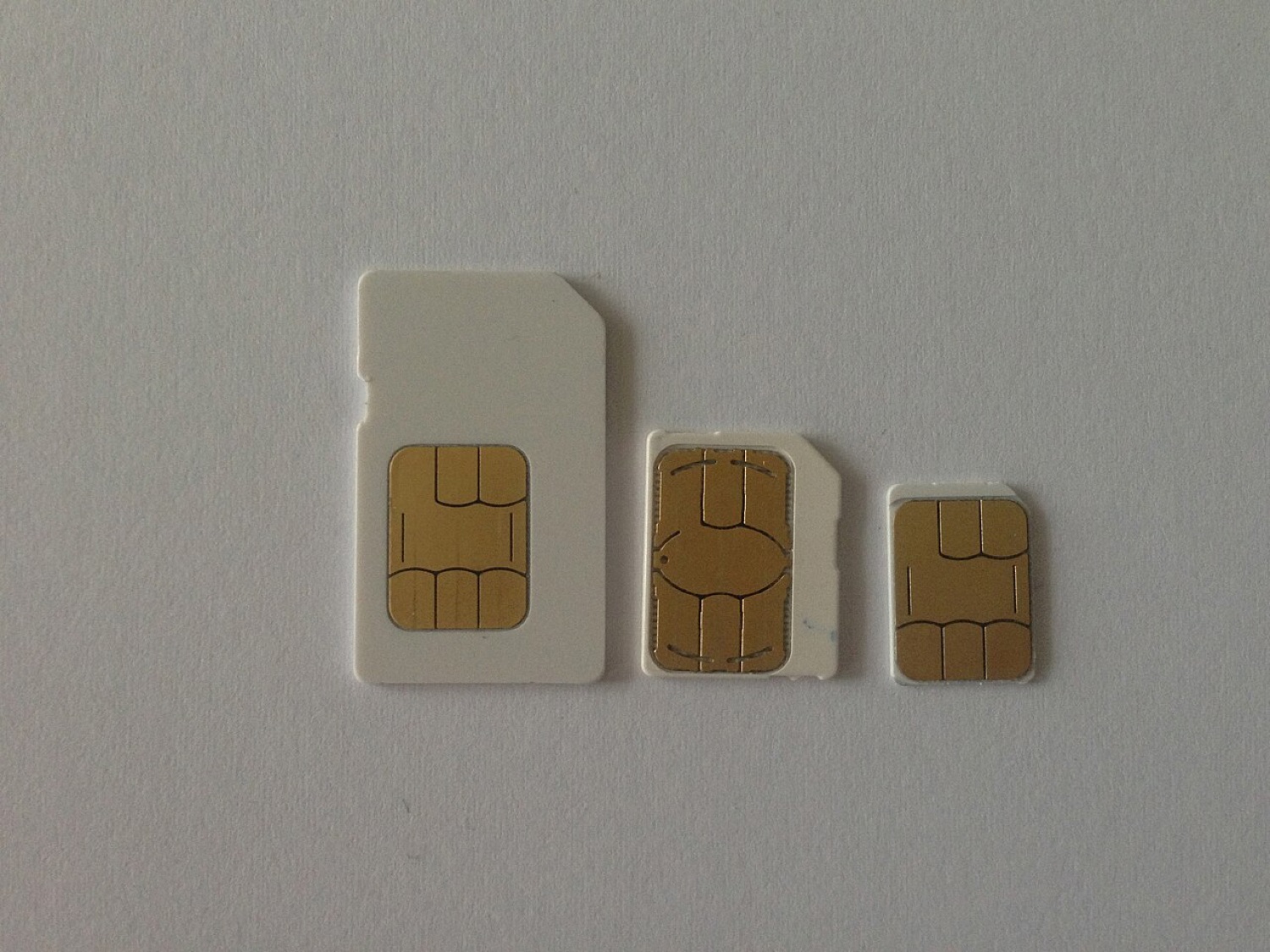
A surprising number of the messages that reached the old DC-Files contact address were not about broken modems at all. The stick worked, the SIM worked, but the connection failed. In most of those cases the problem was a single setting: the APN.
What an APN is
APN stands for Access Point Name. It is the name of the gateway in the operator's network through which your data connection reaches the internet. When your modem connects, it asks for a particular APN, and the network decides whether to let you through and how to route your traffic.
APNs are usually short, plain strings, often something like the operator's name or a word such as "internet". Some operators use different APNs for prepaid and contract customers, or for phones and data-only SIMs.
What a connection profile contains
Dashboards such as Mobile Partner store APN settings in a "profile". A complete profile can include:
- the APN itself;
- a user name and password, which many operators leave empty or set to a generic value;
- the authentication type (none, PAP or CHAP);
- the IP type (IPv4, IPv6 or both) on newer devices.
Why second-hand sticks fail
An operator-branded stick arrives with that operator's profile preset. Put another operator's SIM in it, assuming the stick is not locked, and it will still try the old APN. The network refuses, and the dashboard shows a vague "connection failed". Creating a new profile with the right APN fixes it.
Where to find the right APN
The reliable sources are the operator's own help pages, the leaflet that came with the SIM, or the settings your phone uses with the same SIM: on most phones the APN is visible in the mobile network settings. Avoid copying APNs from random lists, which are often out of date.
Quick checklist
| Symptom | Likely cause | What to check |
|---|---|---|
| Signal shown, connection fails at once | Wrong APN | Create a profile with the operator's APN |
| Asks for a PIN repeatedly | SIM PIN enabled | Enter the PIN or disable it in a phone |
| Connects but no pages load | IP type or DNS issue | Try IPv4 only; reconnect |
| SIM not accepted | Operator lock | Ask the original operator for an unlock |
A correct APN also matters for the small things people do on the move: a match centre that refreshes in the background, a racecard, a live odds screen. When those apps sit "loading" for ever, the profile is worth checking before blaming the app.
