
Option GlobeSurfer II 7.2: a 3G router for the desk
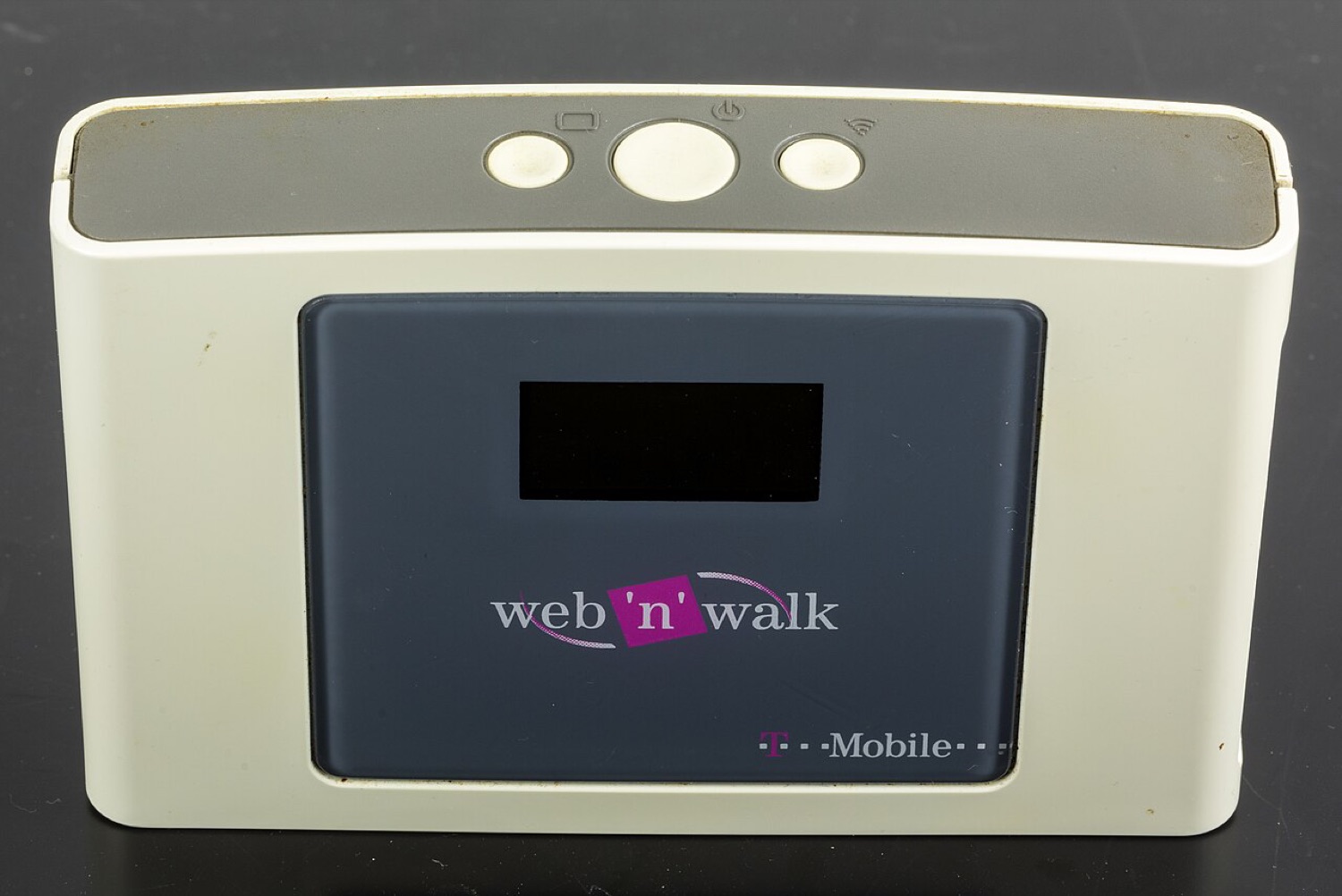
Option, a Belgian company, was one of the pioneers of mobile data cards. Its GlobeTrotter PC Cards and later iCON USB sticks were sold by many European operators, and the DC-Files index of 2010 carried a long list of iCON models. The GlobeSurfer family took a different route: a small desktop router that shared a 3G connection over Wi-Fi and Ethernet.
The unit in the photo was sold by T-Mobile as part of its web'n'walk range. These notes cover the GlobeSurfer II 7.2 and, in passing, the Option sticks that once filled this section of the index.
The hardware
The GlobeSurfer II 7.2 combines an HSDPA modem rated at up to 7.2 Mbit/s with a Wi-Fi access point and Ethernet ports. Teardown photos show a Broadcom router chip handling the network side. It runs from mains power and sits on a desk or shelf, which made it popular in holiday homes, small offices and places without a fixed line.
Setup
Like other routers, the GlobeSurfer is configured from a web page in the browser. The important settings are the SIM PIN, the APN profile and Wi-Fi security. Many units still carry the operator's default profile; if you move one to another network, the APN is the first thing to change.
A tip from the old forum days still holds: place a 3G router near a window and away from other electronics. A few metres can change the signal more than any setting.
The iCON sticks
Option's USB sticks carried the iCON name, with models such as the iCON 225, 401, 431, 451 and 505. They used Option's own drivers and the GlobeTrotter Connect software, with Mac versions supplied as disk images. Like other old drivers, those packages no longer install on current macOS releases.
Today
A GlobeSurfer depends on 3G service, so where 3G has been switched off it can no longer connect. Where it still works it is a sturdy, simple router. For anything that needs a stable, fast link, such as streaming a live event or sitting at a live casino table, a current 4G or 5G router is the better choice.
Quick facts
| Item | Notes |
|---|---|
| Maker | Option (Belgium) |
| Type | Desktop HSDPA router with Wi-Fi and Ethernet |
| Rated speed | Up to 7.2 Mbit/s down |
| Setup | Browser-based admin page |
| Sold as | Operator-branded units, e.g. T-Mobile web'n'walk |
