
ZTE MF190: the stick sold under many operator names
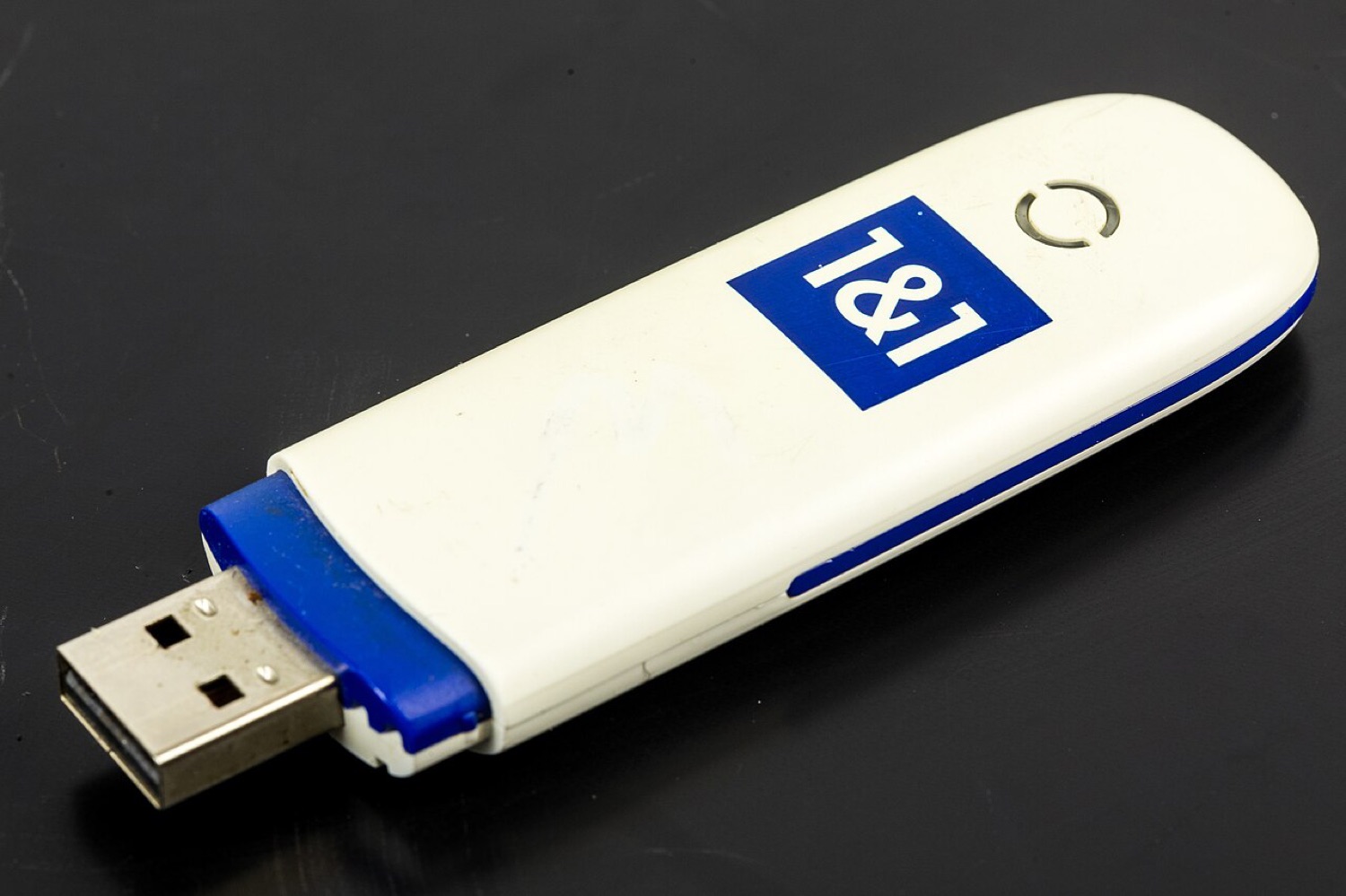
ZTE was Huawei's main rival in the cheap USB modem market, and the MF190 was one of its best sellers around 2010 and 2011. Operators across Europe, the Middle East, Africa and Asia offered it in their own colours, which is why the same device can be found with very different logos on the lid. The example above was sold by the German provider 1&1.
The old DC-Files index had an MF190 page with dashboard and firmware entries. These notes replace that page with practical information.
The hardware
The MF190 is an HSPA stick rated for downloads of up to 7.2 Mbit/s and uploads of up to 5.76 Mbit/s, with a microSD slot and a status LED. Teardown photos on Wikimedia Commons show a Qualcomm baseband chip inside, which was typical for ZTE sticks of that generation. Like its Huawei rivals, it starts in a "CD-ROM" mode that holds the installer and switches to modem mode once the driver asks it to.
Connection software
ZTE's own dashboard was usually called "Connection Manager", but operator versions had their own names and styling. The software mattered less than many users thought: it mainly stored the profile (APN, user name, password), started the connection and counted data. Once you know the right profile, other tools can do the same job.
Firmware for ZTE sticks came in operator-specific builds, often with a version string that included the operator's code. Mixing builds from different operators was a frequent source of trouble, and some builds simply refused to run on hardware sold elsewhere.
About operator locks
Many MF190 units were locked to the operator that subsidised them. The legitimate way to use such a stick on another network is to ask the original operator for an unlock, which many will provide once a contract has ended. Third-party "unlock" tools of the time often came from unknown sources and bundled unwanted software, which is one more reason this site no longer hosts or points to files.
Using one today
On Linux, the MF190 is supported by usb_modeswitch and ModemManager in most distributions. On current Windows and macOS releases the original driver packages are unreliable. And as with every 3G-only device, availability of a 3G network is the deciding factor.
Quick facts
| Item | Notes |
|---|---|
| Type | HSPA USB stick |
| Rated speed | Up to 7.2 Mbit/s down, up to 5.76 Mbit/s up |
| Extras | microSD slot |
| Software | ZTE Connection Manager or operator version |
| Linux | Generally supported via usb_modeswitch and ModemManager |
