
Huawei E220: the cable-and-pebble modem that started it
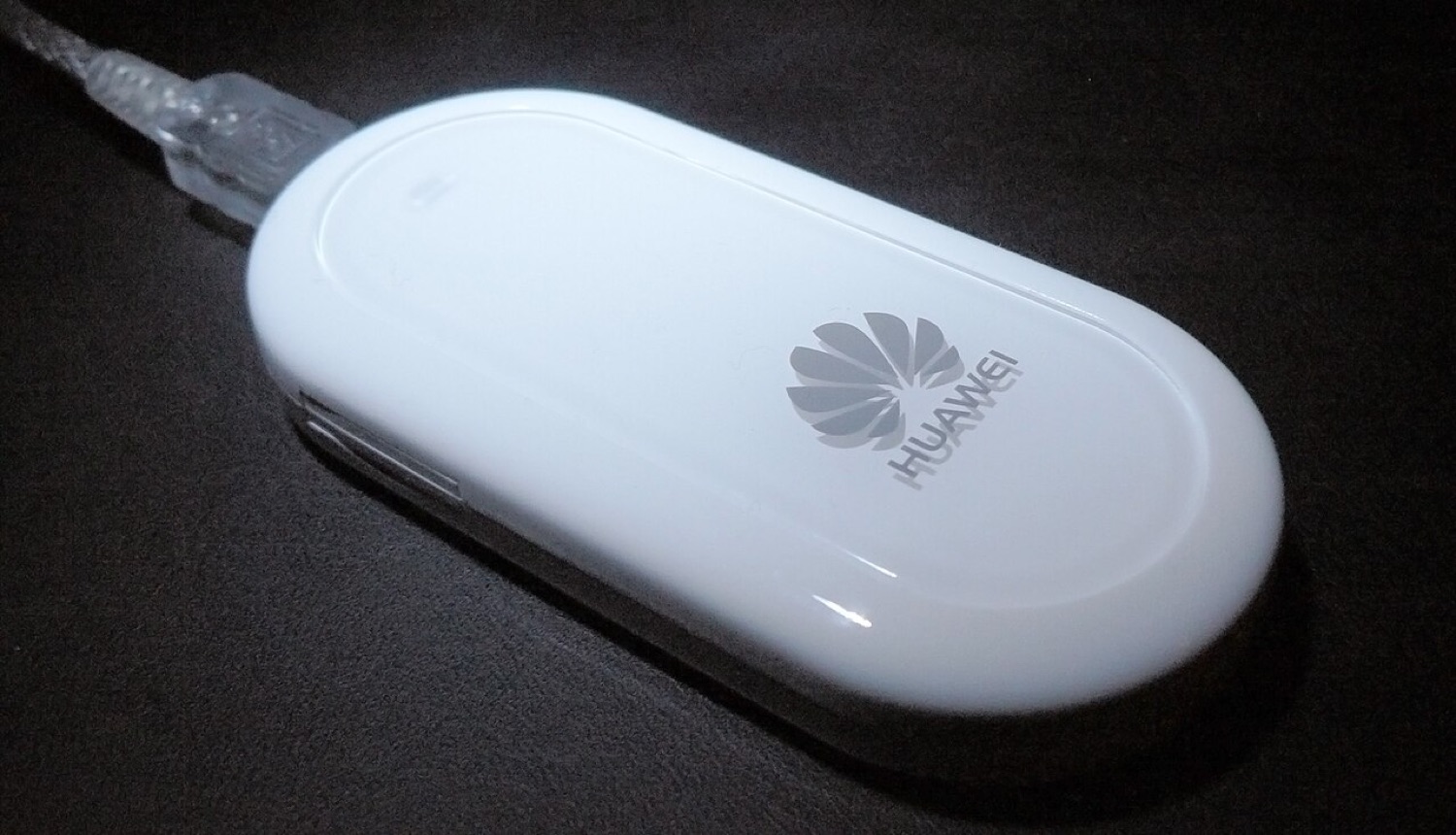
Before the slim USB stick became the standard shape for mobile broadband, there was the Huawei E220: a white, rounded box about the size of a bar of soap, attached to the laptop with a short USB cable. Operators in Europe, Asia and Australia sold it under their own names from around 2007, and for many people it was the first time "internet anywhere" meant more than a slow GPRS connection through a phone.
The DC-Files index listed the E220 from the very beginning, and it was one of the most requested pages. These notes explain what the device was, which software it relied on and what to expect if one turns up in a drawer today.
The hardware
The E220 is an HSDPA modem for 3G (UMTS) networks with a fall-back to EDGE and GPRS. Early firmware was rated for downloads of up to 3.6 Mbit/s, and later firmware raised the advertised figure to 7.2 Mbit/s on networks that supported it. Uploads stayed at ordinary UMTS speeds of a few hundred kilobits per second. Real-world speeds were usually well below the headline numbers, depending on signal and cell load.
The box had a SIM slot under the lid and no internal memory-card slot. It was supplied with a Y-shaped USB cable, because some older laptops could not deliver enough current from a single port when the modem was transmitting at full power. If an E220 drops its connection on a modern computer, a powered USB hub is still the first thing to try.
Dashboard and driver
Like most Huawei sticks of the period, the E220 presented itself to the computer first as a small virtual CD-ROM drive. On that virtual disc sat the operator's connection software, often a version of Huawei's Mobile Connect or Mobile Partner dashboard, rebranded with the operator's colours. Once the software and driver were installed, the device switched into modem mode and exposed its serial ports to the operating system.
That is why the old index separated three kinds of item for each model: the dashboard, the dashboard update and the firmware update. Our guide to drivers, dashboards and firmware explains the difference in plain terms.
Firmware notes
Firmware versions for this generation follow a long dotted pattern such as 11.117.xx.xx.xx. The first group identifies the platform; the later groups mark the build and, often, the operator customisation. Two E220 units bought from different operators could therefore run quite different firmware, with different default settings and sometimes a carrier lock.
Flashing firmware was always the riskiest step: an interrupted update could leave the modem unusable. Today, with official support long gone, the safest course is to leave working firmware alone. If a device is locked to an operator, the operator is the legitimate route to a release code.
Using an E220 today
Whether an E220 still connects depends mainly on the network, not on the device. Many operators have switched off their 3G service, and the E220 has no 4G radio, so in those countries it can at best fall back to 2G where that still exists. Where 3G remains, a Linux computer with ModemManager is often the easiest host, because current Windows and macOS versions no longer include drivers for it.
As a collectable, it remains a nice piece of mobile history: the device that made laptop users check live scores, train times and, for some, in-play odds from a station platform for the first time.
Quick facts
| Item | Notes |
|---|---|
| Type | External HSDPA USB modem with cable |
| Networks | UMTS/HSDPA, with EDGE/GPRS fall-back |
| Typical software | Operator-branded Huawei dashboard on a virtual CD |
| Memory card | None |
| Today | Works only where 3G or 2G service still runs |
